
XLSX to PDF with clean page breaks and fit to width
Upload the XLSX file, choose the sheets, orientation and fit to width, then convert and download the PDF. Columns are scaled to the page and header rows repeat on every page.
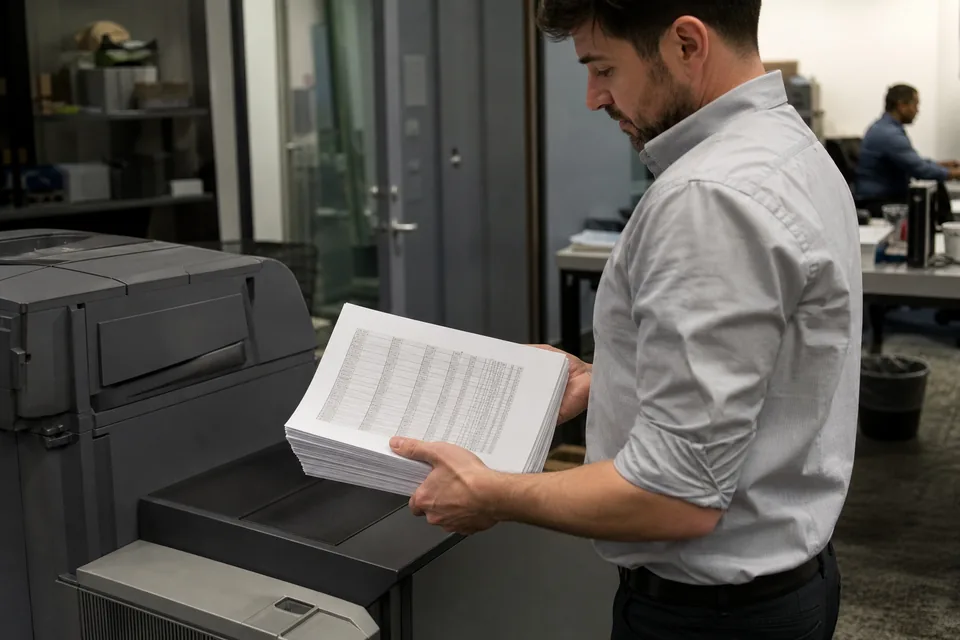
A PDF is how a spreadsheet leaves your company: a monthly report for a client, a price list, an audit schedule. The problem is that Excel prints by its own page setup, and a wide sheet often ends up as twelve pages with two columns each.
XlsConverter lays out each sheet for the paper you choose, keeps currency and date formats exactly as shown, and can put several sheets into one document. For the older binary format see XLS to PDF, and for plain CSV data with no styling use CSV to PDF.
How to convert XLSX to PDF in three steps
- 1Upload your .xlsx workbook.
- 2Choose sheets, portrait or landscape, paper size and fit to width.
- 3Convert and download one PDF, or one PDF per sheet.
Why wide Excel sheets split across too many PDF pages
Excel decides page breaks from the print area, the scaling setting and the column widths saved in the file. Most workbooks are never set up for printing, so the defaults apply: 100 percent scale and portrait Letter paper. A sheet with 18 columns then breaks vertically after column G, and readers have to match pages side by side. Fit to width solves this by calculating one scale factor for the whole sheet.
Scaling has a limit. Below roughly 50 percent the text becomes hard to read, so for very wide sheets landscape plus fit to width is better than shrinking portrait pages. You can also drop helper columns before converting, or export the data to XLSX to HTML when the reader will use a screen rather than paper.
Conditional formatting, cell fills, borders and merged title cells are rendered, because a PDF is a visual format. Formulas are shown as their calculated results, and cells showing #REF or #DIV/0 errors appear as they do in Excel, so fix them first. Charts are included where the sheet contains them. When you need data instead of a picture of data, convert the same file with XLSX to CSV.
XLSX to PDF questions
How do I convert Excel to PDF and fit all columns on one page?
Turn on fit to width and choose landscape orientation. All columns are scaled onto a single page width and long tables continue on following pages.
Can I convert several Excel sheets into one PDF?
Yes. Select the sheets you need and choose the single document option, and each sheet starts on a new page in the same PDF.
Does the PDF keep Excel formatting and colors?
Yes. Fonts, fills, borders, number formats and merged cells are kept as they appear in the workbook.
Why are some cells showing #### in my PDF?
The column is too narrow for the value, the same as in Excel. Widen the column in the workbook or use fit to width with landscape pages.
Can I test XLSX to PDF conversion first?
A one-time demo converts up to 100 rows, shown in the browser, with signup required to download it. Full workbooks are converted on a paid plan from 24 USD per month billed yearly.
Related converters
Convert full files and batches
Pro starts at $24 per month billed yearly. Cancel any time.