
CSV to PDF tables that fit the page
Upload the CSV file, choose orientation and fit to width, then convert. You get a paginated PDF table with the header repeated on every page, ready to print or share.
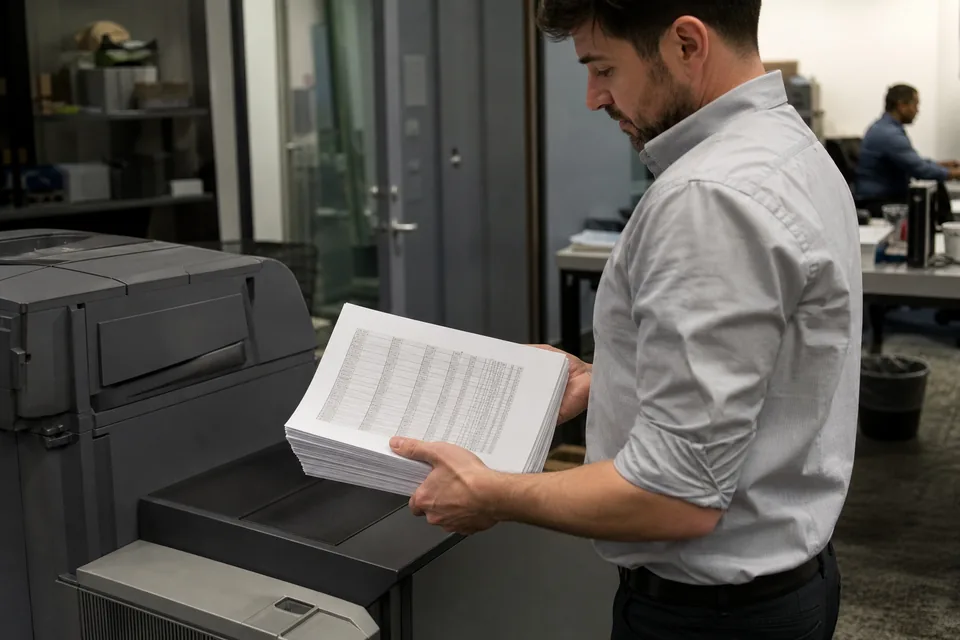
A CSV file is easy for machines and hard for people. When a report has to go to a client, an auditor or a printer, a PDF table is what they expect. XlsConverter lays out the CSV as a readable table, with column widths sized to content and headers repeated on each page.
If the source is a formatted workbook, XLSX to PDF keeps its styles. For the web rather than print, see XLSX to HTML.
How to convert CSV to PDF in three steps
- 1Upload the .csv file.
- 2Set orientation, paper size, fit to width and header repetition.
- 3Convert and download the .pdf file.
Wide CSV files and the unreadable PDF problem
A CSV with 30 columns does not fit on a portrait page. Plain conversion either cuts columns off or spreads one row across several pages, which nobody can read. Fit to width with landscape orientation solves most cases, and for very wide files the converter can drop columns you mark as not needed for print.
Long text values wrap inside their cell instead of stretching the column, and numeric columns are right aligned so totals line up. Row striping and a thin grid make long tables easier to follow on paper.
The PDF uses embedded fonts that cover accented and non Latin characters, so names print correctly. If recipients need to work with the numbers afterward, send the PDF together with an XLSX from CSV to XLSX, and older binary workbooks print through XLS to PDF.
CSV to PDF questions
How do I convert a CSV file to PDF?
Upload the CSV, choose orientation and fit to width, and convert. The result is a paginated PDF table.
How do I fit all CSV columns on one PDF page width?
Enable fit to width and landscape orientation. The table scales so every column fits horizontally.
Does the header row repeat on every page?
Yes, when the repeat header option is on, which is the default.
Can I choose US Letter or A4?
Yes. Letter, Legal and A4 are available.
Can I convert CSV to PDF without a paid plan?
A one-time demo converts up to 100 rows. Full files need a paid plan from 24 USD per month billed yearly.
Related converters
Convert full files and batches
Pro starts at $24 per month billed yearly. Cancel any time.