
XLS to PDF for archived Excel 97 to 2003 reports
Upload the .xls file, pick the sheets and page orientation, and convert to download a PDF. The saved print area and page setup from the old workbook are used when they exist.
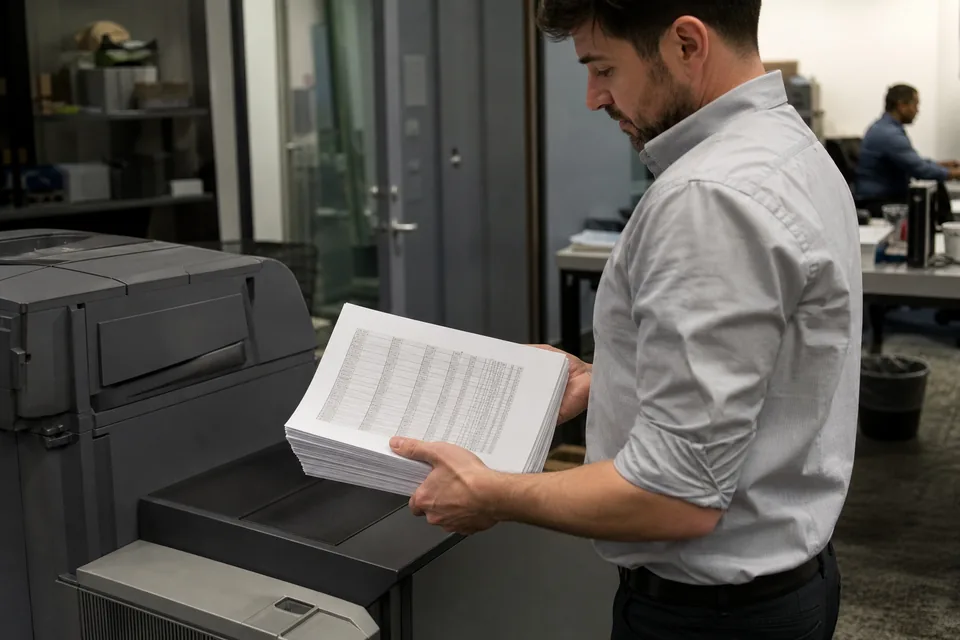
Archives are full of XLS files: budgets from 2004, signed off price lists, old audit workpapers. Opening them years later in a modern Excel can shift layouts, and many people no longer have software that opens them at all. A PDF freezes the report in a form anyone can read.
XlsConverter reads the binary BIFF format, including its stored print settings, and renders each sheet to PDF. Planning to keep editing the file? Upgrade it with XLS to XLSX instead. For current workbooks there is XLSX to PDF.
How to convert XLS to PDF in three steps
- 1Upload one or many .xls files.
- 2Choose to respect the saved print area or fit each sheet to the page width.
- 3Convert and download the PDF documents.
Print areas and fonts stored in legacy XLS workbooks
Unlike many modern files, old XLS reports were often built for paper. Authors defined a print area, manual page breaks and a header with the company name and page numbers. When those records exist we honor them, so the PDF looks like the report people signed off at the time, not a raw dump of every cell.
Old workbooks frequently use fonts such as MS Sans Serif or Arial Narrow and text in regional code pages. Missing fonts are substituted with metric compatible ones so column widths stay the same, and text is decoded from the workbook code page before rendering, which avoids garbled characters in names and addresses. If you need the values for analysis rather than display, XLS to CSV is the faster route.
The XLS limit of 256 columns means old reports were rarely very wide, but they often used Sheet2 and Sheet3 as continuation pages. Include all sheets to keep the full report in a single PDF. Batch upload is useful here: an entire archive folder of XLS files becomes PDF in one job, and you can also produce plain text from XLS for search indexing.
XLS to PDF questions
How do I convert an old XLS file to PDF?
Upload the XLS file, choose whether to use its saved print area or fit to width, and download the PDF.
Can I convert many XLS files to PDF at once?
Yes. Batch uploads of up to 50 files on Pro, and more on higher plans, produce one PDF per workbook.
Will the PDF look like the original XLS printout?
When the workbook has a saved print area, page breaks and headers, those are used, so the PDF matches the original layout closely.
Can I convert a password protected XLS to PDF?
Yes, if you know the password. You type it in, it is used in memory for that job and is never stored.
Is XLS to PDF available without a subscription?
Only as a one-time demo of up to 100 rows, viewed in the browser and downloaded after signup. Regular conversion needs a plan from 24 USD per month billed yearly.
Related converters
Convert full files and batches
Pro starts at $24 per month billed yearly. Cancel any time.